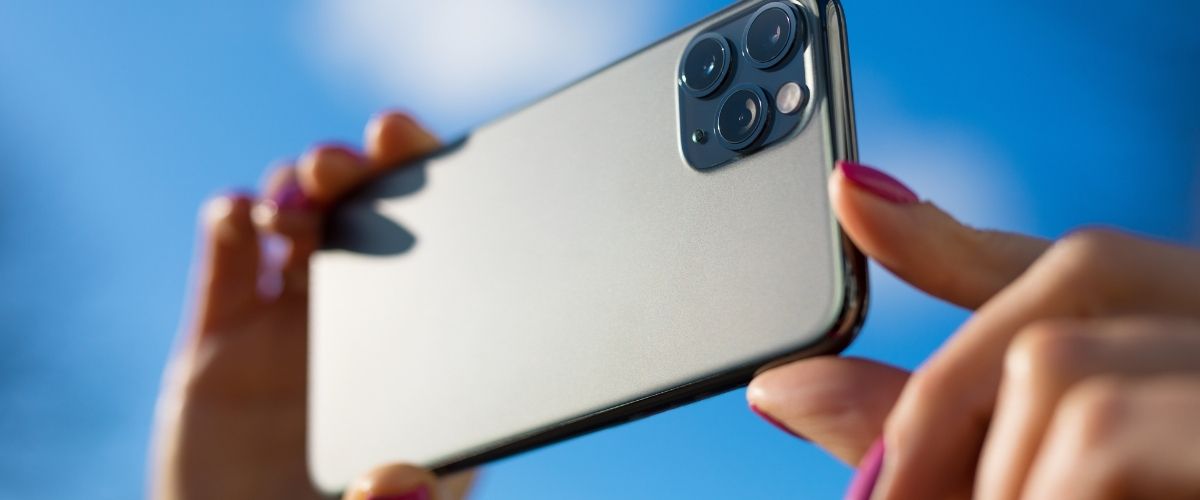
Smartphones are not what they used to be. With advancements in technology, phones like the iPhone now have significant capabilities for shooting cinematic videos. With a few tips, you’ll soon be ready to create shorts and other narratives that look like they belong on the silver screen. Keep reading to turn your videography projects into a cinematic masterpiece
Max Out the Camera Settings or Download a Different Camera App
If you plan on making your videos look professional, you’ll want more control over the camera’s settings. If you’re using the traditional lenses that come with the iPhone, change the camera settings to shoot in 4K with the traditional 24 frames per second. Many users, however, want more control over exposure, depth of field, white balance, etc., which you can achieve through a camera app downloaded from the app store.
Use a Stabilizer
Regardless, no matter what settings you use, you will still get shaky footage if you’re using the device in a handheld manner. Use a tripod or stabilizer to cut back on the shakiness. These other devices allow your work to look more professional, and it will be easier on the audience’s eyes once you edit and upload the final piece.
Turn On the Grid Setting
The rule of thirds is an essential element for framing your shot. If you’re new to the industry, consider turning on the grid to help you create better images. Where you place people and objects in a frame is vital to the storytelling element of videography. Having the grid on makes capturing these scenes that much easier.
Try Out Additional Components
Additional components like microphones, lights, lenses, and green screens are all great for furthering the quality of your project. Using these tools to help in filming minimizes the post-production stress. Setting up your scenes with these materials creates clean visuals and crisp audio, all of which are components that make professional-style videos.
Enhance Quality in Post-Production
One of the best things about using an iPhone to shoot narratives is that the device comes with iMovie—a beginner, user-friendly editing software. You can color correct, add transitions, and other visual effects. Plus, you can use iMovie to easily edit green screen footage. All facets of this editing program are easy to learn, use, and follow.
With a bit of help, you’ll soon be shooting cinematic videos on your iPhone just like the pros do. If you are ever dissatisfied with the outcome of some of your b-roll or footage, you can fix it in editing or a simple reshoot. You never need expensive professional equipment to make impressive videography. Try using your iPhone to make your creations—you never know what you’ll come up with.


Recent Comments